
Loudon County VINE Coverage
The Tennessee Sheriffs' Association TN SAVIN page confirms that all 95 sheriff's offices participate. That one sentence puts Loudon County Jail inside the statewide notification network. The local sheriff simply publishes no separate Loudon VINE page of his own. Custody information is available online and by phone at 1-888-868-4631.
VINE also plays a different role than iSOMS. The county portal lists current and recent bookings. VINELink follows one matched person and powers the alerts. The sheriff's app handles agency news and tips. Case outcomes come from the court clerk. Keeping these channels straight matters. It stops a news alert from masquerading as a release notice. It also keeps a custody result from being mistaken for a court decision.
The statewide page documents the program's reach and its contact route.
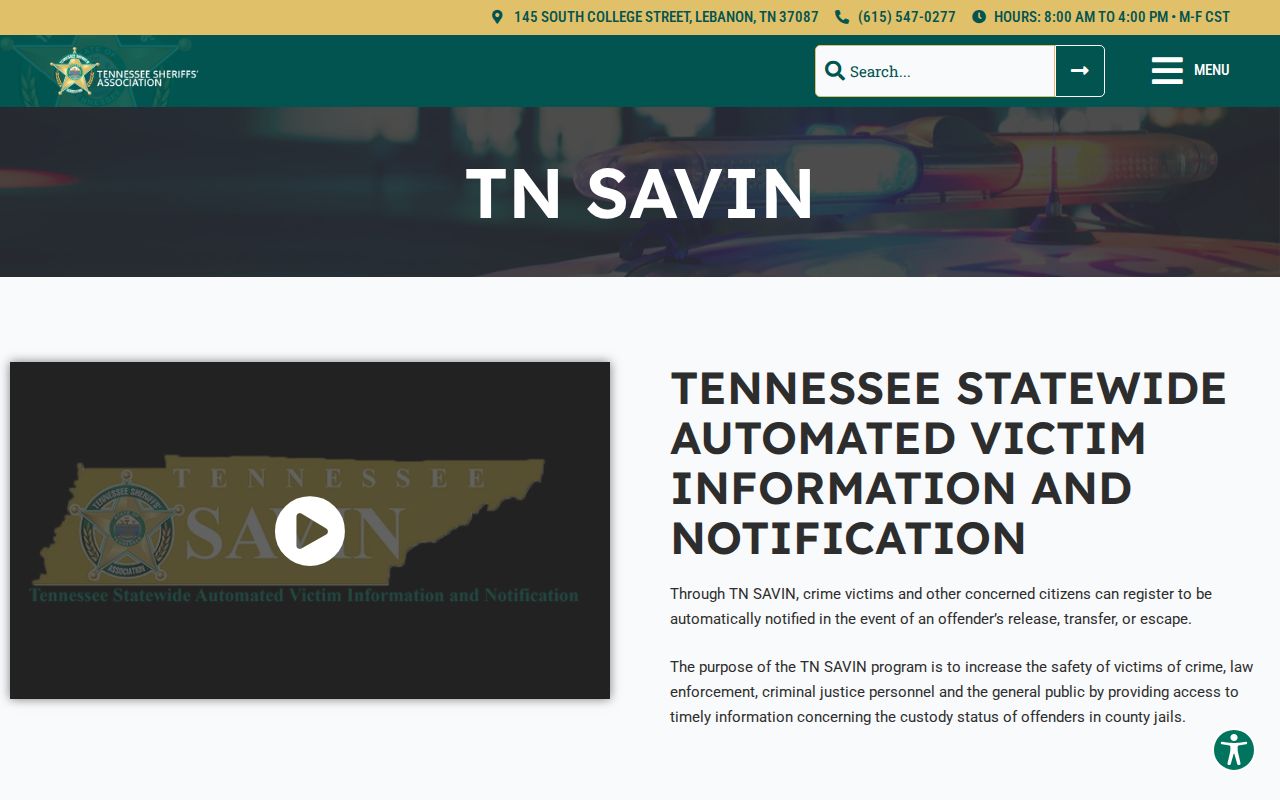
This official source supports Loudon’s participation without inventing a local VINE brand.
Run a Loudon County VINE Check
Open VINELink Tennessee or the state's person-search route. Search by name, adding a booking number or similar identifier when the interface allows it. Spelling counts for a lot here. Several people can share a name, so match the facility and other non-sensitive details before picking a record.
- Choose Tennessee and open the person search.
- Enter the person’s name or requested identifier.
- Review all matches rather than choosing the first name.
- Confirm the facility and status against known Loudon booking details.
- Select the correct result before choosing the notification option.
The Tennessee person-search screen is the direct official interface.

The tool tracks one person at a time.
What VINE Shows After Arrest
A result is a custody-status record tied to a participating facility. It is never a full criminal-history report. VINELink is a live interface, so the fields it displays can shift over time. A booking photo is not promised. What you really get is the status plus a path to notifications.
| Item | How to use it |
|---|---|
| Name | Match it with facility and an identifier |
| Offender or booking identifier | Distinguishes similar names |
| Custody status | Shows the state reported by the participating agency |
| Facility | Confirms whether the match belongs to the expected jail |
| Notification option | Starts registration for a selected person |
Release can happen while charges sit pending. A person can also transfer before the system refreshes, or vanish from results because a name was keyed differently. Confirm anything surprising with Loudon County Jail at 865-986-6612.
Register Loudon County Custody Alerts
Once the right record is selected, hit Get Notified. Use whatever the current control is called. Tennessee VINE Courts lists phone, text, in-app, email, and TTY options. Phone registration requires a four-digit PIN. Unanswered calls can keep coming for 24 hours or until that PIN is entered. Guard the PIN, and save the confirmation.
- Select the verified custody result.
- Choose release, transfer, escape, or other available event notices.
- Select the offered phone, text, email, app, or TTY method.
- Create and securely retain the four-digit PIN when phone alerts require it.
- Test or confirm the registration through the prompts shown.
The Tennessee VINE Courts page explains alert methods and PIN mechanics.
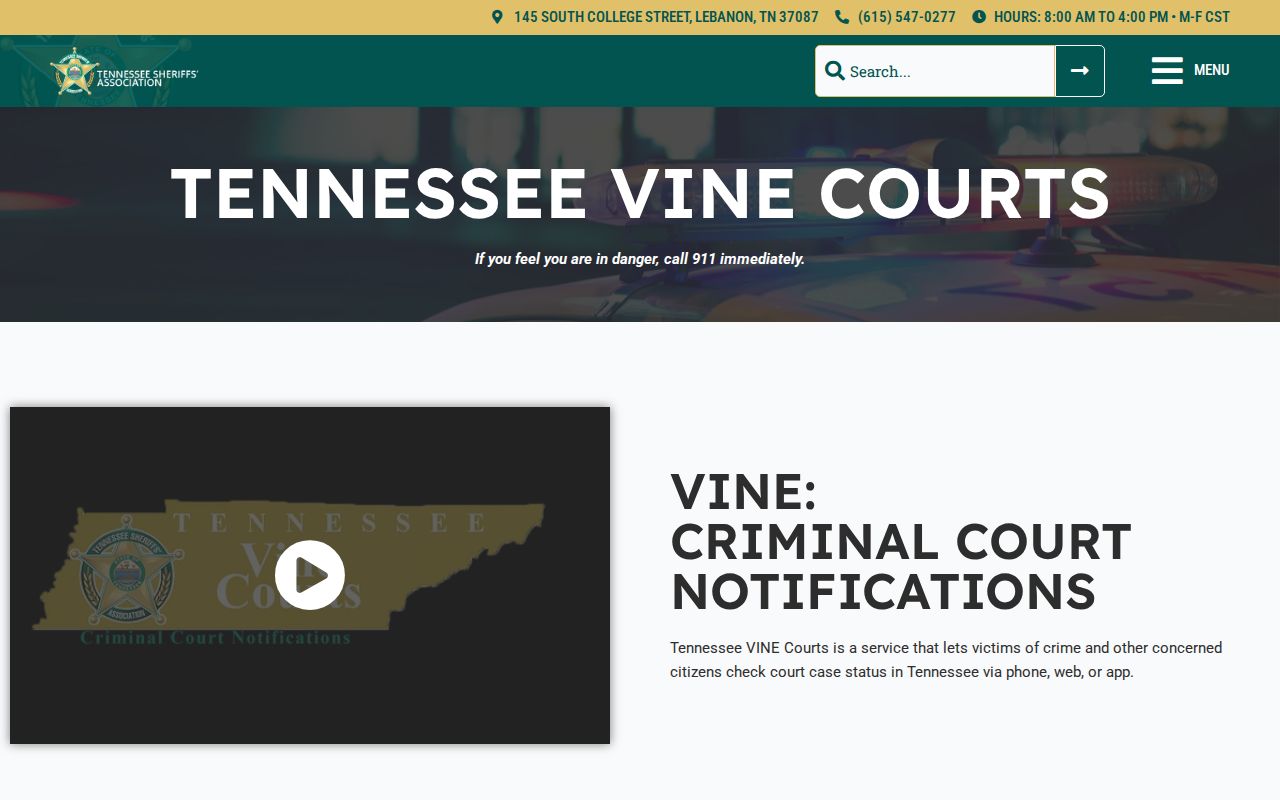
Court-status alerts supplement, but do not replace, the Loudon County clerk’s case file.
Loudon County VINE Limits
VINELink can lag behind a fresh booking. Before concluding no county record exists, check Loudon County arrests today along with the Current Jail page. Federal custody is a separate world, too. The ICE detainee locator covers immigration holds. The Bureau of Prisons locator covers federal prisoners when the facts point to a transfer. BOP posts no Loudon County booking photos.
TDOC runs its own state-corrections notifications through a FOIL search. A person just booked locally may never reach state custody, though. A county release, likewise, says nothing about the court outcome. For a dismissal, plea, judgment, or expunction order, call the right clerk.
Treat VINE as a notification aid: call the jail for urgent custody questions, and dial 911 for immediate danger.
Tennessee VINE Court Alerts
Tennessee describes VINE Courts registration as covering case status, hearing dates, times, and locations. Its statewide page noted some offices were still moving toward participation. It did not name Loudon as excluded. That is not a county guarantee. The Loudon clerk stays the definitive source.
Phone, text, email, app, and TTY options each fit different needs. TTY is listed at 1-866-847-1298. A court alert is not the same thing as a custody alert. Someone can be released while a case stays open. Or a hearing can move with no custody change at all.
VINE and Other Custody Systems
TDOC FOIL covers felony offenders in state custody or under state supervision. Some entries add a photo, location, sentence, and release date. A fresh Loudon detainee may never show up there. BOP handles federal prisoners and posts no county booking photos. ICE runs its own immigration locator.
An empty result in one system proves nothing about another. Ask the county jail whether a transfer happened. Then turn to a federal or state locator. Start from the known arrest and facility, then follow only a confirmed transfer or sentence.
Loudon VINE Registration Safety
Register only on official VINELink or Tennessee SAVIN routes. Registration uses your contact details to deliver notices; it never requests a certified record. Keep the phone PIN private, since that number confirms receipt and controls the repeated calls. Update everything whenever a phone number or email changes.
These notifications support personal safety, legal planning, reconnecting, and tracking a transfer. They are not emergency warnings with guaranteed timing. Tennessee calls the service confidential and free, but agency data entry decides when an event reaches VINE. For urgent status, call the jail.
When a VINE Match Is Missing
A VINE search that comes up empty is not the end. First try alternate spellings. Also confirm the search ran against Tennessee. Loudon County also offers several local paths worth trying. They include the iSOMS current jail roster, the last 24 hours list, the last 72 hours list, and the released-name search. A person who was arrested may simply not appear in the feed yet. Or the booking never happened under the name you typed. The individual could also have moved outside the participating system.
Need something official? Call Sheriff Records at 865-986-1770 for an existing Loudon booking record or booking photo. Keep in mind that VINELink registration alone never produces a certified record. The jail's custody statement, the sheriff's booking record, a VINE notice, and the court outcome are four separate things. Each tells one part of the story.
Public Record Search
Sponsored Results